
3M–7T Army Print Jacket: How to Read the Mixed Baby and Toddler Size Menu
The Army Print Jacket menu moves from month labels (3M–6M through 18M–24M) to toddler labels (2T through 7T). These are listing categories, not body measurements, so choose only after comparing the child’s current measurements with the store’s jacket chart.
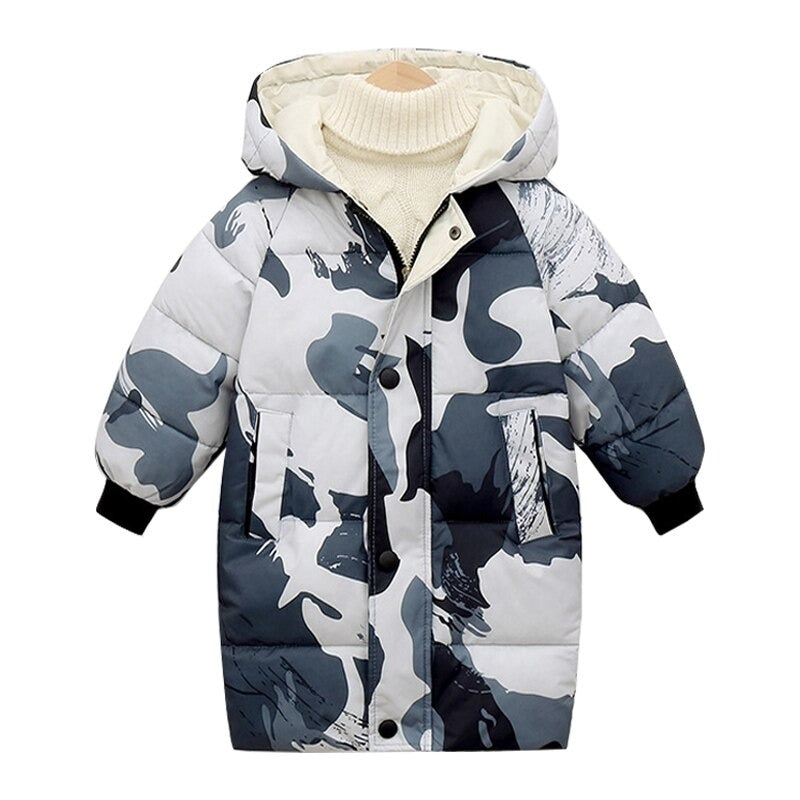
Where does the label system change?
The Army Print Jacket presents 3M–6M, 6M–9M, 9M–12M, 12M–18M and 18M–24M before switching to 2T, 3T, 4T, 5T, 6T and 7T. The menu therefore changes notation at 2T; it does not publish a direct body-measurement conversion in the option labels.
A safer way to choose
- Measure the child in the areas named by the product chart.
- Compare those numbers with the jacket measurements, allowing for the clothing that will sit underneath.
- Use age notation only as the menu label attached to the matching measurements.
- Choose Gray or Black after the size evidence is settled.
Do not force an age conversion
A child’s age does not establish chest, sleeve or garment length. If the chart is absent or a measurement lands between rows, ask Children Cloth Shop for the exact garment dimensions rather than moving automatically to the next label.
For a related earlier topic, see this Children Cloth Shop guide.